The Console is for Enterprise HQ admins and Music (artist) accounts. Self-serve and playpoint accounts sign in on the player instead.
Console sign-in
The Console is the management sign-in for finetunes. Enterprise HQ admins land on the HQ Dashboard; Music (artist) accounts land on their analytics dashboard. It lives at a different address from the player.
Console sign-in for an Enterprise HQ account, landing on the HQ Dashboard.
Sign in
Go to play.finetunes.app/console.
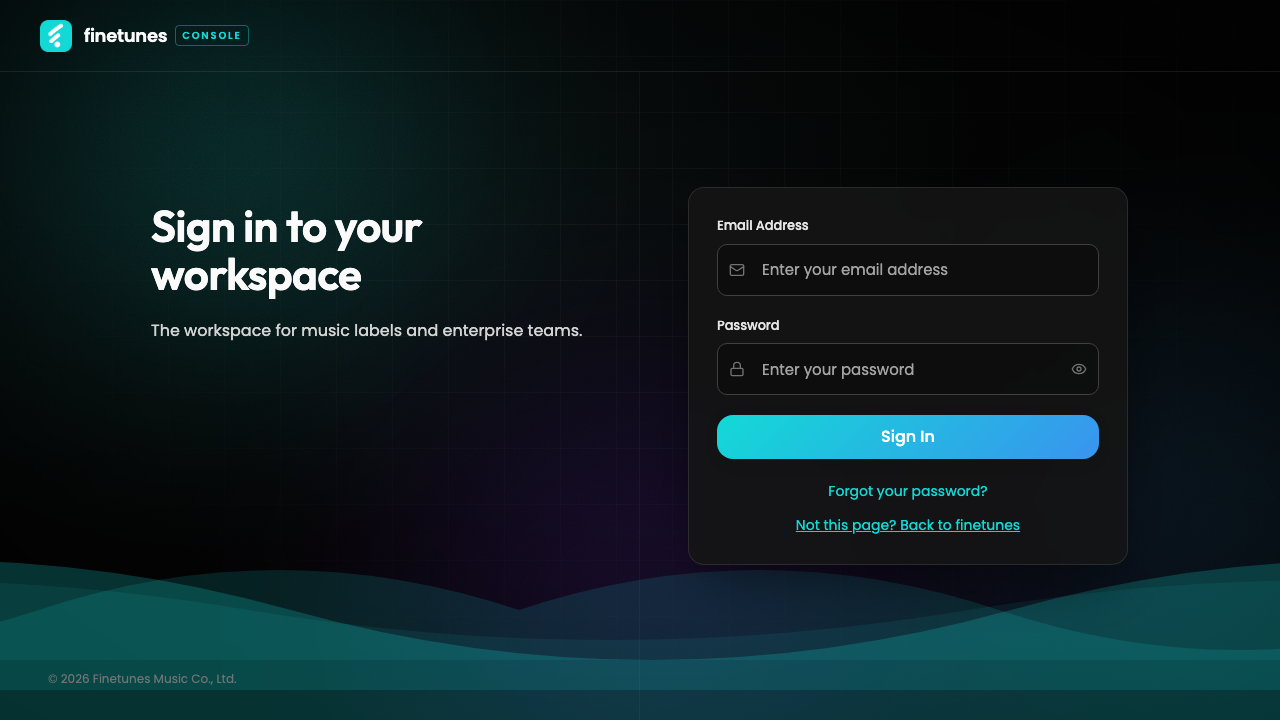 On a wide screen the Console shows a brand panel beside the sign-in form; on smaller screens it's a single centred card.
- Enter your Email.
- Enter your Password — use the eye toggle to show or hide it.
- Click Sign in.
Where you land depends on your account:
| Account type | After sign-in |
|---|---|
| Enterprise HQ admin | HQ Dashboard (/enterprise/dashboard) |
| Music (artist) | Music dashboard (/artists/dashboard) |
Secondary links: Forgot password goes to the reset flow and brings you back to the Console; Not this page? Back to finetunes returns to the marketing site.
Which door is yours
The Console and the player are two separate sign-in pages, and each one only accepts its own accounts:
| Account | Sign in at |
|---|---|
| Music (artist), any role | Console: play.finetunes.app/console |
| Enterprise with the Admin role | Console: play.finetunes.app/console |
| Everyone else, including branch and self-serve accounts | Player: play.finetunes.app/login |
Use the wrong page and the sign-in is refused, even with the right password:
- A player account on the Console sees Access denied. Sign in on the player instead.
- A Console account on the player sees Please sign in at /console. Come back here.
If sign-in fails
| Message | What to do |
|---|---|
| Invalid email or password | Check the email and password, or reset your password. |
| Access denied | This account isn't a Console account. Sign in on the player. |
| Too many login attempts | Wait a moment before trying again. |
| Server / network error | Check your connection and retry. |
Next
- Enterprise HQ: HQ Dashboard tour →
- Managing branches' queues and schedules: Playlist queue → · Schedule →
- Player account instead? Player sign-in →