Sign in
Sign in to the finetunes player to reach your music, your My Soundscape queue, and your venue's schedule.
This article covers the player login for self-serve and playpoint accounts. Enterprise HQ and Music (artist) accounts sign in through the Console instead — see Console sign-in.
Signing in to the finetunes player.
Sign in with email
Go to play.finetunes.app/login.
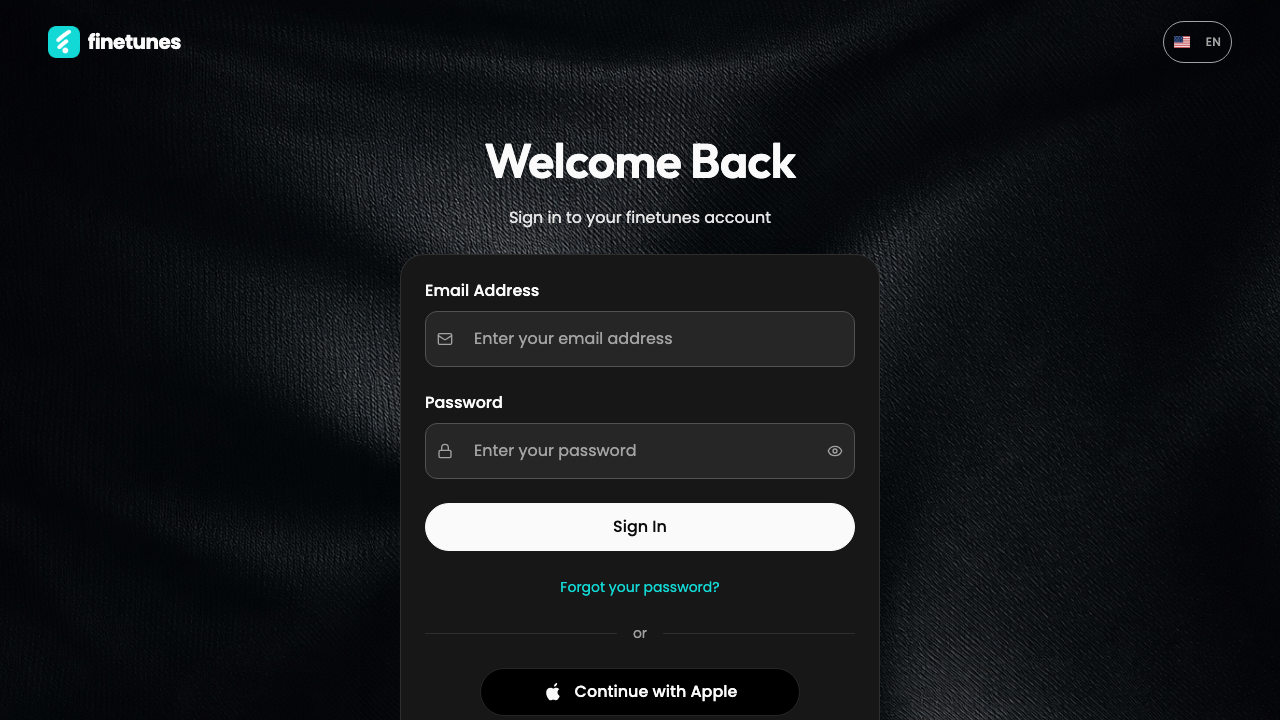 The player sign-in page: email, password, and social options.
- Enter your Email.
- Enter your Password. Use the eye toggle to show or hide what you've typed.
- Click Sign in.
On success you land on your My Soundscape page (/playlists), ready to play.
The email button shows a small "Last used" badge when email was your last sign-in method — a quick reminder of how you got in last time.
Sign in with a social account
Prefer Apple, Facebook, or Google? Use the matching Continue with… button instead of the email form. You'll be signed in and dropped on the same page.
Forgot your password?
Click Forgot password to go to the password reset flow. Enter your email and follow the link finetunes sends you.
There's no "remember me" checkbox — finetunes keeps you signed in on the same browser for about 30 days automatically.
"Use the console to sign in"
If you see a message telling you to sign in at the console, your account is an Enterprise HQ or Music (artist) account. Those don't sign in on the player — go to play.finetunes.app/console instead. See Console sign-in.
If sign-in fails
| Message | What it means | What to do |
|---|---|---|
| Invalid credentials | The email or password is wrong. | Retry carefully, or reset your password. |
| Use the console to sign in | This is a console (HQ or Music) account. | Sign in at /console instead. |
| Too many attempts | Too many tries in a short time. | Wait a moment and try again. |
| Server / network error | A temporary connection or server issue. | Check your internet and retry. |
Next
- New here? Create an account →
- Signed in — what now? Browse and search →
- HQ or artist account? Console sign-in →