This page walks a Standalone customer through the first 10 minutes. If you're rolling out finetunes to multiple playpoints, see the Enterprise rollout → instead.
Start Here — your first 10 minutes
Press play in ten minutes. No setup beyond signup, no installation beyond opening a browser.
By the end of this page, you'll have:
- An active finetunes account on the 14-day free trial
- A playlist matched to your venue
- Music playing through your speakers
- A licensed-music certificate ready to display
1. Create your account
Sign up at finetunes.app and start your 14-day free trial.
You'll land in the player at play.finetunes.app once your account is ready.
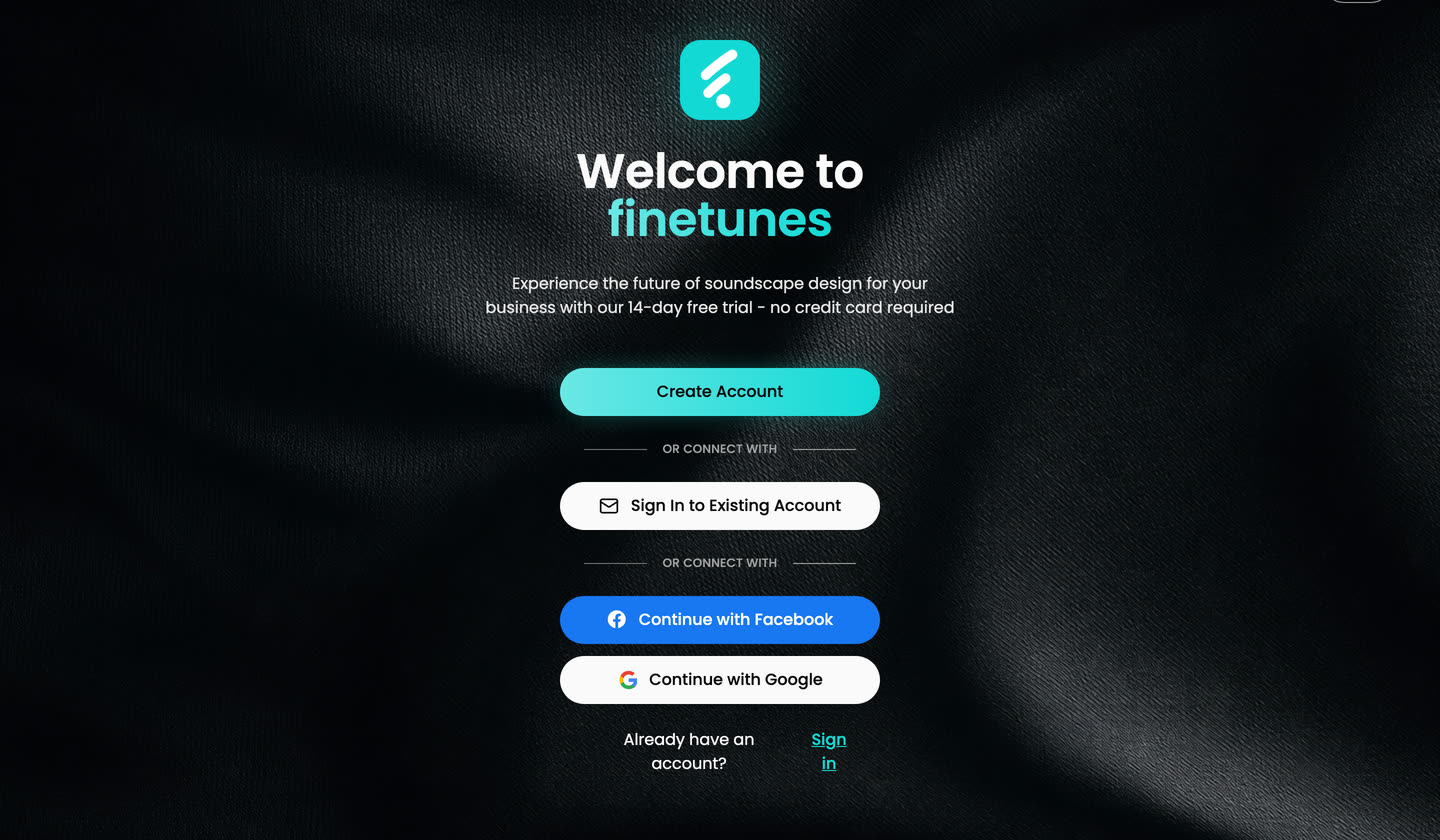 Sign up with email or Google. The free trial starts immediately — no card required.
For pricing details and what's included in the trial, see finetunes.app/pricing.
2. Choose how to find music
You have two ways to get to a great-sounding venue fast:
Option A — Browse by business type
Pick the category that fits your venue (café, retail, clinic, gym, hotel, wellness/spa, fashion/beauty) and we'll surface playlists curated for that environment.
Best for: you know your vibe and want a quick, predictable starting point.
Option B — Get a personalized match
Answer a few questions about your venue and your customers. We'll match you to a playlist tuned to time of day, energy, and audience.
Best for: you want music that fits your specific room rather than a generic genre.
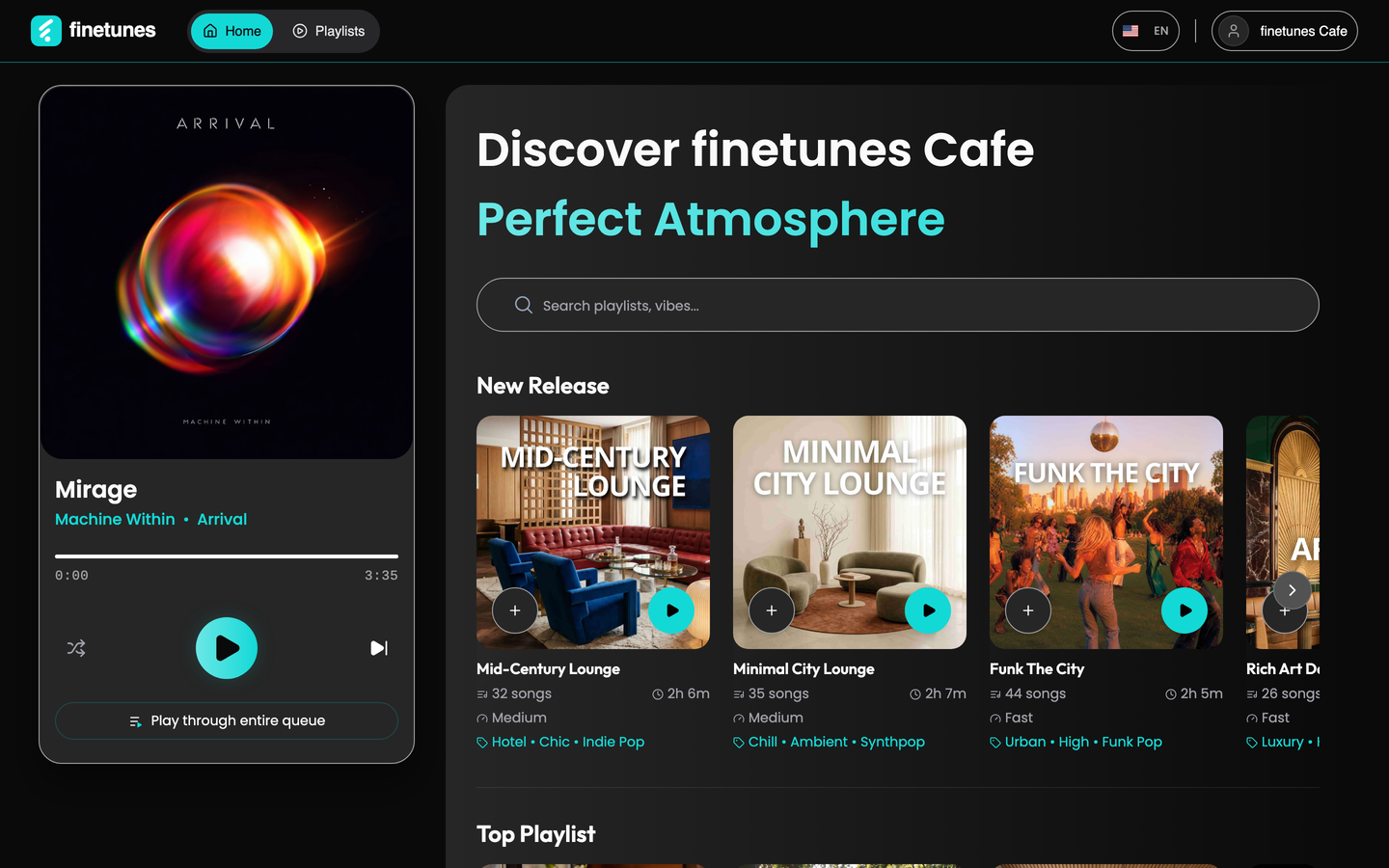 Once you've told us your venue type, the discover view surfaces playlists matched to it. Use the search bar to filter further by vibe.
You can switch approaches anytime — nothing is locked in.
3. Press play
Once you've picked a playlist, press play in the player. That's it — music streams from your browser.
If you're playing through external speakers, plug in or connect via Bluetooth before you press play, then check the volume on both your device and the speaker system.
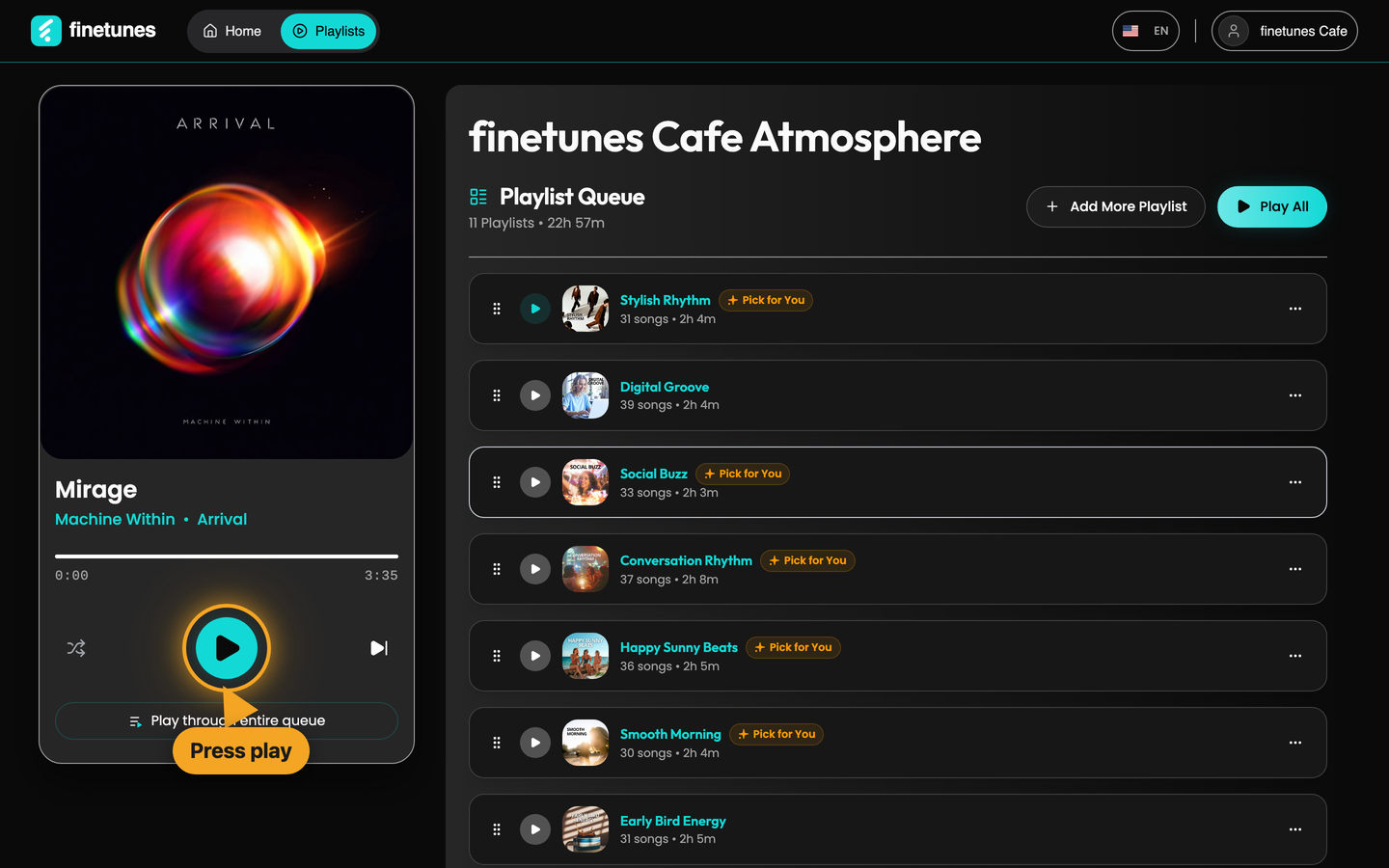 The player. Press the big cyan button to start. Skip, shuffle, and queue controls are right there too.
finetunes streams in any modern browser. Many venues run a dedicated tablet or laptop near the bar/counter so staff can change tracks without interrupting service.
4. Print your licensed-music certificate
finetunes provides a licensed-music certificate you can display at your venue to show that the music you play is licensed for commercial use.
Open your certificate from your account, download the PDF, and print or display it where staff and customers can see it.
For background on commercial music licensing, see finetunes.app.
You're done
Music is playing, your licence is on the wall. Now what?
- Need to change the playlist mid-shift? Open the player and pick another match.
- Music stopped? Check the playpoint staff one-pager — same recovery steps apply for single venues.
- Adding a second location? Talk to your account manager about upgrading to Enterprise — see the Enterprise rollout playbook.
For everything else, contact support.